
App screenshots.
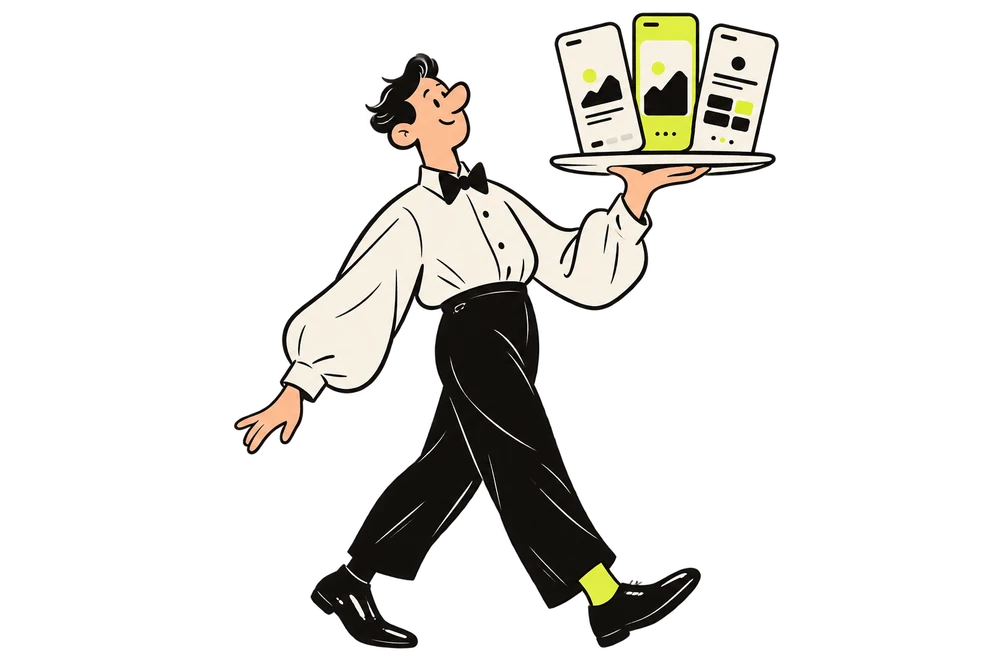
At your service.
Turn your app screens into store artwork. Design a set, translate it into 50 languages, check the details, and export the sizes you need.
Start free. No credit card needed.
with small habits.
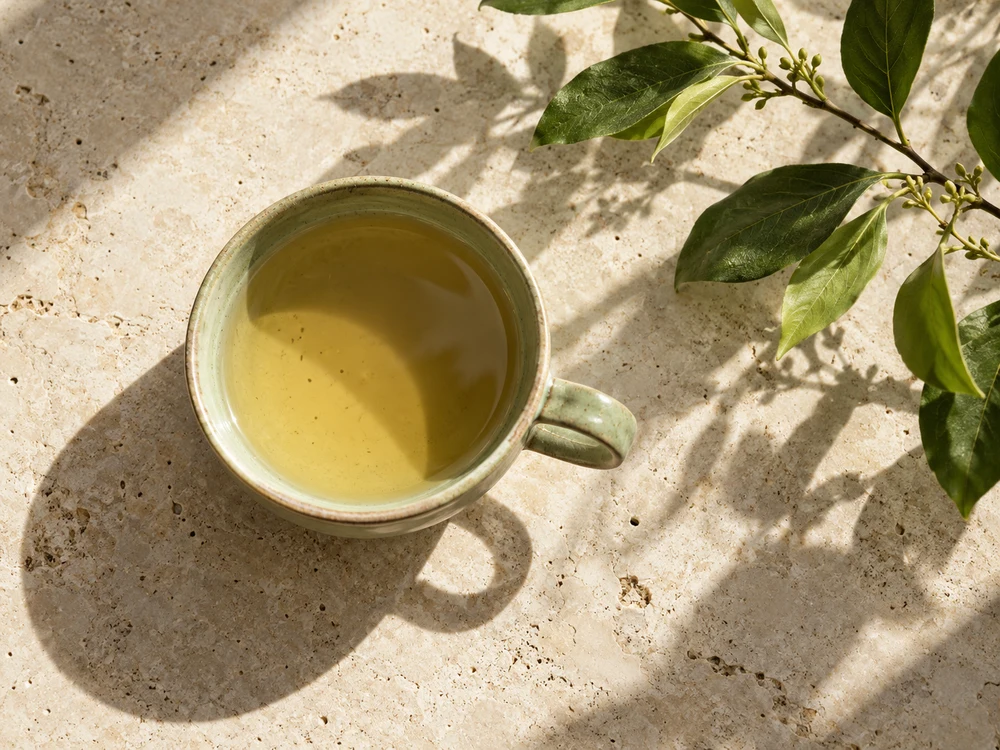
Just for you.
A moment for youSame app. A wider world.
A new language should still feel like your app. Explore this example set in English, Japanese and German.
Just for you.
A moment for youwith small habits.
Keep it close.
What made you smile today?The first quiet cup of the day.
Morrow concept app · Example artwork
One release. One place.
Keep the originals, the promo sets and their language versions together. Pick up where your release left off.
with small habits.
Keep it close.
What made you smile today?The first quiet cup of the day.
Bring your app.
Upload raw screens for Design, or finished promo images for the next step.
Just for you.
A moment for youKeep it close.
What made you smile today?The first quiet cup of the day.
Find its look.
Shape the copy and turn your screenshots into a coordinated promo set.
小さな余白。
自分のためのひとときUnd festhalten.
Was hat dich heute gefreut?Die erste Tasse in aller Ruhe.
Make it local.
Create language versions, proofread the text and review the details.
Pack it up.
Choose the images, languages and store sizes that go into your ZIP.
A hand at every stage.
Use the whole workflow, or start with the part your release needs.
Design
Build a set around your app.
Choose a template and image mode, then generate a single image or a complete set directly from your app details. Keep every version in your release project.Translate
Give every language its place.
Start with an uploaded promo set or one you designed here. Choose your languages, compare the results, and refine translated text before preparing the files.Review
Find the details worth fixing.
Run checks on the selected promo group or language version. Read the findings beside the artwork, make your changes, and check again before exporting.Export
Leave with files in order.
Select a promo set, its language versions and the target sizes. Review any credit cost before exporting, then download files grouped for your store submission.Start with a little.
Try your first image for free. Choose a seven-day pass for a launch, or a subscription for the releases to come.
One-time free allowance
- 1 active project
- 3 uploaded-image translations total, no reset, 1 language per translation, watermarked
- Saved reviews are free; new AI reviews use credits
- 1 free AI image
- Watermarked exports
Good to know.
What should I upload?
Upload raw app screenshots to design new store artwork. If you already have finished promotional images, upload those instead and go straight to translation, review or export.
Can I try it for free?
Yes. Free includes one active project, one watermarked 1K AI image and three uploaded-image text translations in total, one language at a time. New AI reviews and complex background repair require credits. Saved reviews, plain backgrounds and cached repairs are free.
What stays in a project?
Your original screenshots, uploaded and AI-designed promo groups, and the language versions of those groups. A project keeps the material for one app release together.
Will this guarantee store approval?
No. Review checks help you find potential issues. You make the final edits and submit the files, and the store makes the approval decision.
Your next release, well presented.
You made the app. Let’s get its screenshots ready.
Create your first set